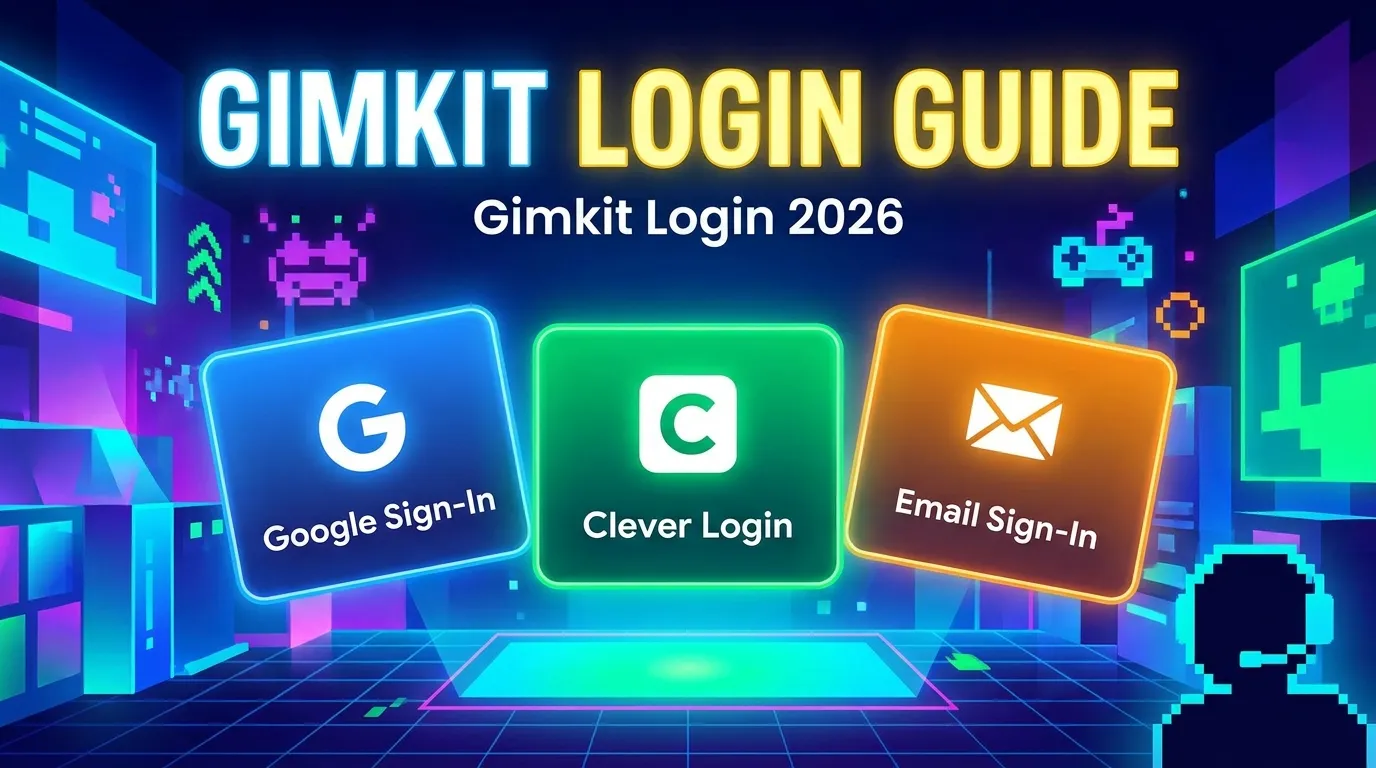
Gimkit Login: How to Sign In With Google, Clever or Email (2026 Guide)
To log in to Gimkit, go to gimkit.com/login and sign in with Google or with your email and password. These are the two sign-in options Gimkit’s help center lists for accounts.
You need to log in only to create kits, host games or join a class. Students can join a live game with a game code and no account. If that is all you need, use the Gimkit join page instead.
This guide covers each sign-in method, password reset, and fixes for a login that won’t go through. Last checked against Gimkit’s help center on October 31, 2026. GimkitJoin.uk is an independent guide and is not run by Gimkit.
Gimkit sign in: the 3-step version
- Open gimkit.com/login.
- Choose the Google option, or enter your email address and password.
- Sign in. You can now open your kits, host a game or manage your classes.
No account yet? Go to gimkit.com/signup, continue with Google or email, then choose Educator or Student. Accounts are free, and new Educator accounts get a 14-day trial of Gimkit Pro before moving to the free Gimkit Basic plan, according to Gimkit’s Account FAQ.
Gimkit login with Google
Google is the quickest way in: one click and no extra password. Gimkit says students can join a class with Google in a single click.
- Go to gimkit.com/login.
- Select the Google option.
- Pick the Google account you used when you signed up.
- Approve the sign-in if Google asks.
If your kits look missing after login, you are probably signed in with a different Google account than the one you created them under. Sign out and try the other account.
School-managed Google accounts can be restricted by the school’s administrator. If the Google option fails on a school account, ask your IT admin before trying anything else.
Gimkit login with Clever: what the official help says
Gimkit’s help center does not list Clever as a sign-in option. Its sign-up guide and its class-join guide name only Google and email.
If your school shows Gimkit inside a Clever portal, that setup is controlled by the school and is not covered in Gimkit’s help pages. Ask your IT admin how it works, or sign in directly at gimkit.com/login with Google or email.
Gimkit log in with email and password
- Go to gimkit.com/login.
- Enter the email address on your account and your password.
- Sign in.
To create an email account, use gimkit.com/signup, enter your email, then choose Educator or Student. Educators can create kits and host games. Student accounts are optional, and Gimkit’s Account FAQ says students need one only for classes, XP and cosmetics.
If your login email has changed, see Gimkit’s help guides on updating your email, including the one for updating it without account access.
Gimkit join vs Gimkit login: when you need an account
You do not need to log in to join a live game. Students can enter a game code, or open an assignment, with no account. Logging in only matters for the tasks below, per Gimkit’s Account FAQ and sign-up guide.
| Task | Login needed? | Account type |
| Join a live game with a code | No | None |
| Play an assignment | No | None |
| Join a class | Yes (Google or email) | Student |
| Earn XP and buy cosmetics | Yes | Student |
| Create kits | Yes | Educator |
| Host a game | Yes | Educator |
To join a class, open the join link your teacher shares and sign in with Google or an email address. If the teacher has auto-accept on, you are added at once; otherwise the teacher approves your request.
Just have a game code? Read our guide on how to join Gimkit.
Forgot your Gimkit password?
You can reset it from the login page. These steps follow Gimkit’s password reset guide.
- Go to gimkit.com/login.
- Enter your email address.
- Click Forgot Password, then Submit.
- Open the email Gimkit sends and use the link to set a new password.
If the email does not arrive, check your spam folder first. School networks can block it, so ask your IT department to approve gimkit.com and stripe.com as senders, per the Account FAQ. If it still does not show up, email Gimkit support from the address on the account and they will resend the link.
Gimkit’s help pages do not say how resets work for accounts created with Google, so if that is how you signed up, start with the Google option.
Gimkit login not working: 8 fixes in order
Try these top to bottom. Fixes 3 and 4 come from Gimkit’s help pages. The rest are standard troubleshooting.
- Check the address. Type gimkit.com/login yourself. Misspellings like “gymkit” or “gimkiy” can land you on another site.
- Use the method you signed up with. If you created the account with Google, use the Google option. If you used email, enter email and password.
- Check the email. Use the exact address on the account. If it changed, follow Gimkit’s guide to updating your email.
- Reset the password. Use Forgot Password on the login page (steps above), and check spam if the email is slow.
- Try another browser or a private window. This rules out a stuck session or an extension.
- Clear cookies for gimkit.com, then sign in again.
- Allow pop-ups if the Google sign-in window never appears.
- Try another network. School filters can block sign-in or emails. Ask your IT admin if only the school network fails.
Still stuck? Email Gimkit support from the address on your account. If you only need to enter a game, you can skip login and join with a code.
Google vs email vs Clever: which to use
Use Google if you have a Google account. Use email if you do not. Clever is not a listed option.
| Method | Best for | Listed in Gimkit’s help? | Watch out for |
| Fast sign-in; joining a class in one click | Yes | Signing in with the wrong Google account; school restrictions | |
| Email and password | People without a Google account; joining a class by typing an email | Yes | Forgotten password; an email address that has changed |
| Clever | Not applicable | No | Check with your school’s IT admin |
FAQs
Where do I log in to Gimkit?
Go to gimkit.com/login and sign in with Google or your email and password.
Is Gimkit login free?
Yes. Creating an account is free, and the free plan is called Gimkit Basic. New Educator accounts get a 14-day Gimkit Pro trial first (Account FAQ).
Do students need to log in to Gimkit?
Not to join a live game or an assignment. Students need an account to join a class, earn XP or buy cosmetics.
Can I log in to Gimkit with Google?
Yes. Google is one of the two sign-in options in Gimkit’s sign-up and class-join guides.
Can I log in to Gimkit with Clever?
Gimkit’s help center does not list Clever as a sign-in option. Use Google or email, or ask your school’s IT admin about any Clever setup your school has.
How do I reset my Gimkit password?
On the login page, enter your email, click Forgot Password, then Submit. Gimkit emails you a reset link.
Why am I not getting Gimkit emails?
Check spam first. School networks can block them, so ask your IT department to approve gimkit.com and stripe.com as senders.
What is the difference between Educator and Student accounts?
Educator accounts create kits and host games. Student accounts are optional and are used for classes, XP and cosmetics.
Is Gymkit the same as Gimkit?
“Gymkit” is a common misspelling. The official site is gimkit.com.